01 / 03
Log the job
Customer, service, and line items, logged right from the job while it's still fresh.
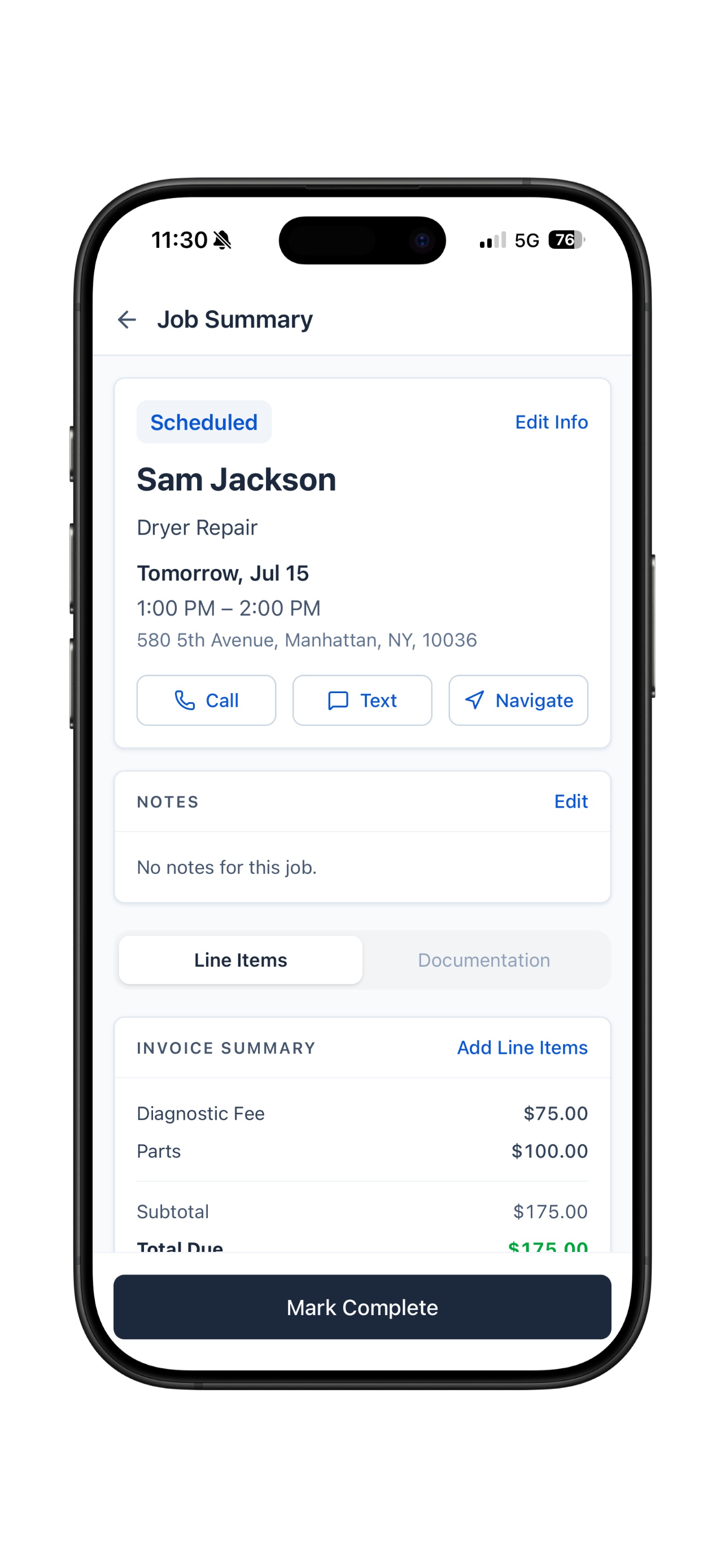
MyObra keeps every job, customer detail, document, and invoice together, so the work gets your attention instead of the paperwork.
Personal setup included
We'll show you around
A workday in motion
Invoice Rivera for the washer repair, $180
Invoice #1048
Rivera residence · $180
Invoice #1048
Saved to Rivera, ready to send
Built for service businesses like yours
Why MyObra
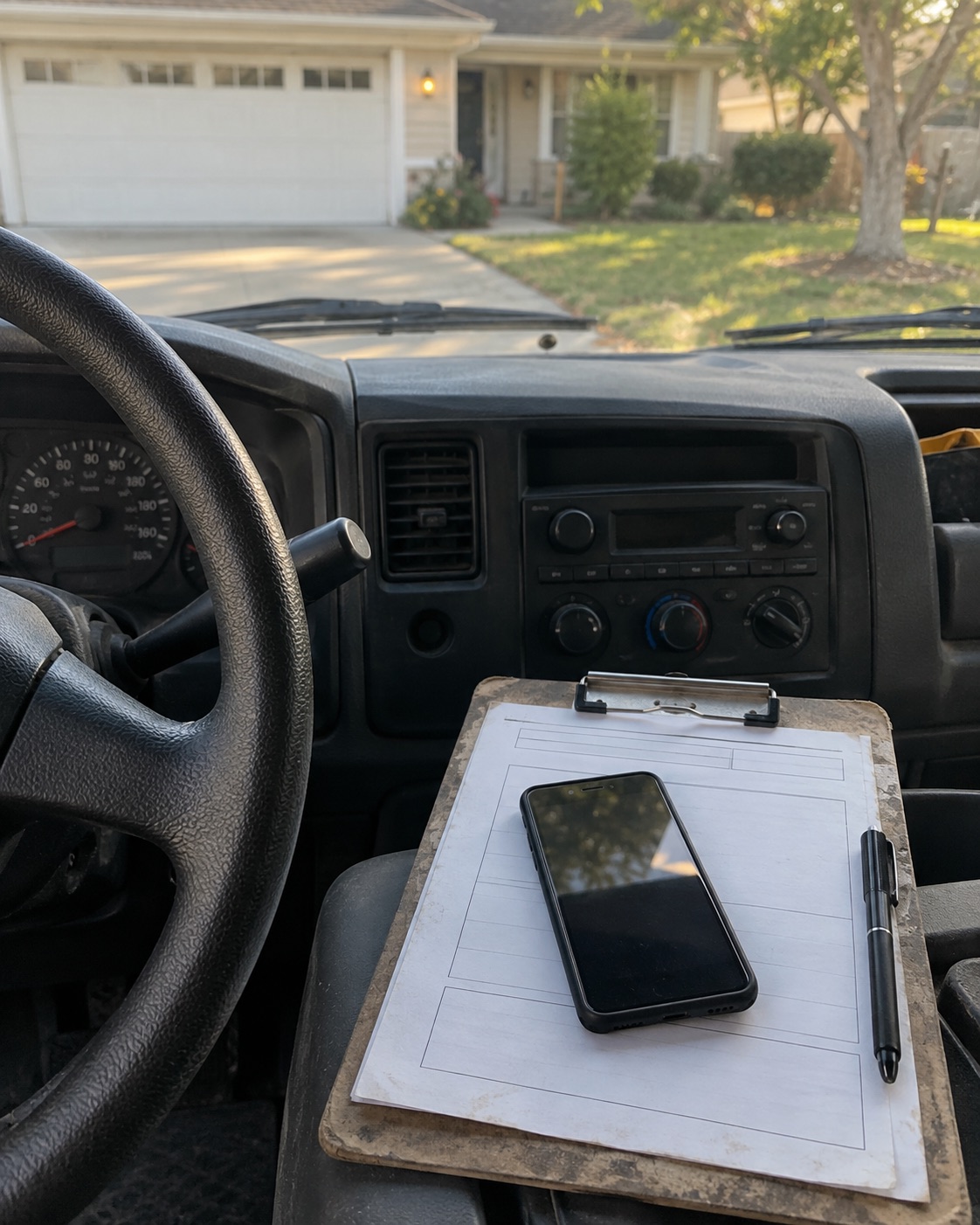
Somewhere in that chain things start to slip. A customer calls back about a job from two months ago and you're scrolling through three different apps trying to piece it together. A payment gets buried in your texts. A good customer you meant to follow up with just never heard from you again.
A normal week runs on all of this
MyObra keeps each job, customer, document, and invoice connected, so the details are there when you need them. The business side stays organized while you focus on the service, in English or Spanish.
Read our storyHow it works
No office, no extra software. Just what already happens on a job, one step at a time.
01 / 03
Customer, service, and line items, logged right from the job while it's still fresh.
02 / 03
Mark the job complete and the line items carry over to the invoice. Update it, and it's a finished invoice, ready to share.
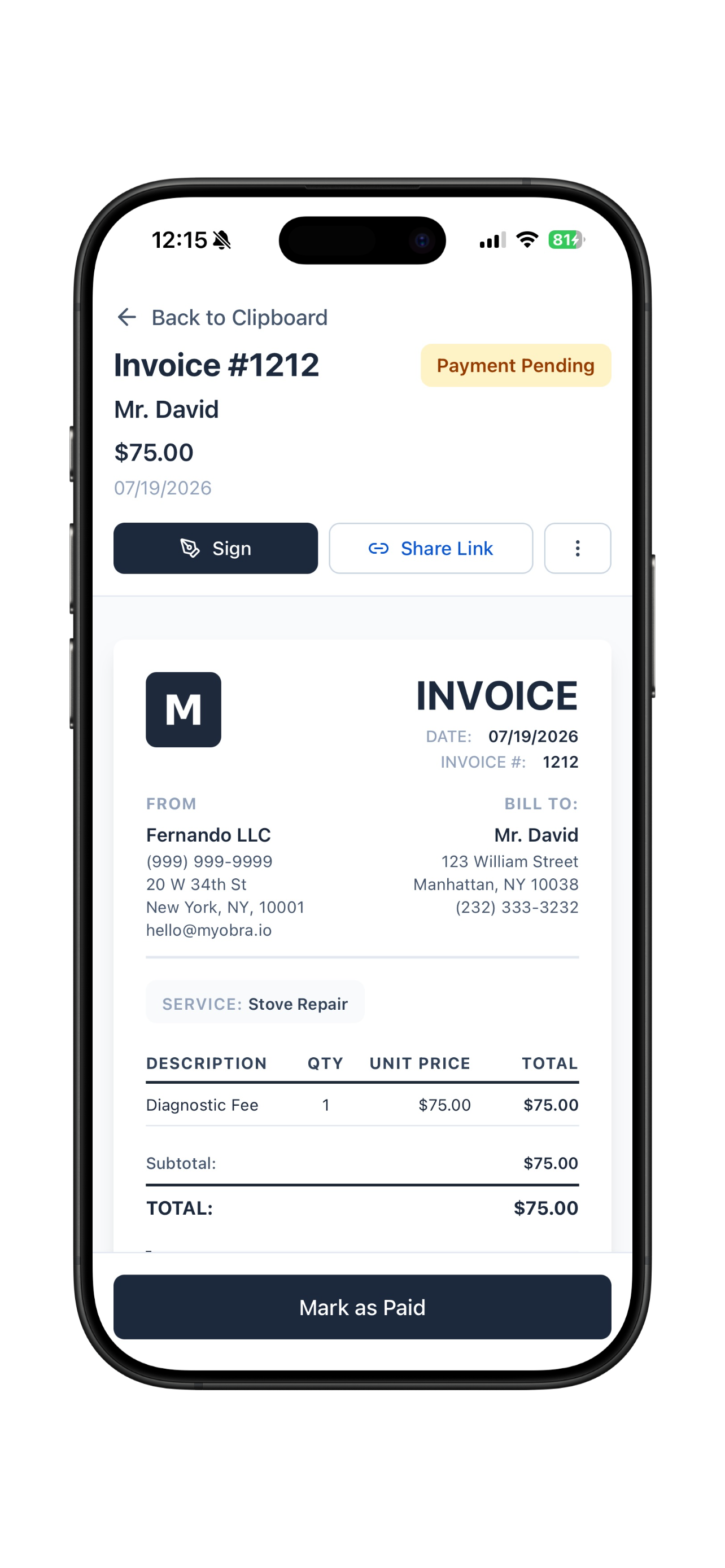
03 / 03
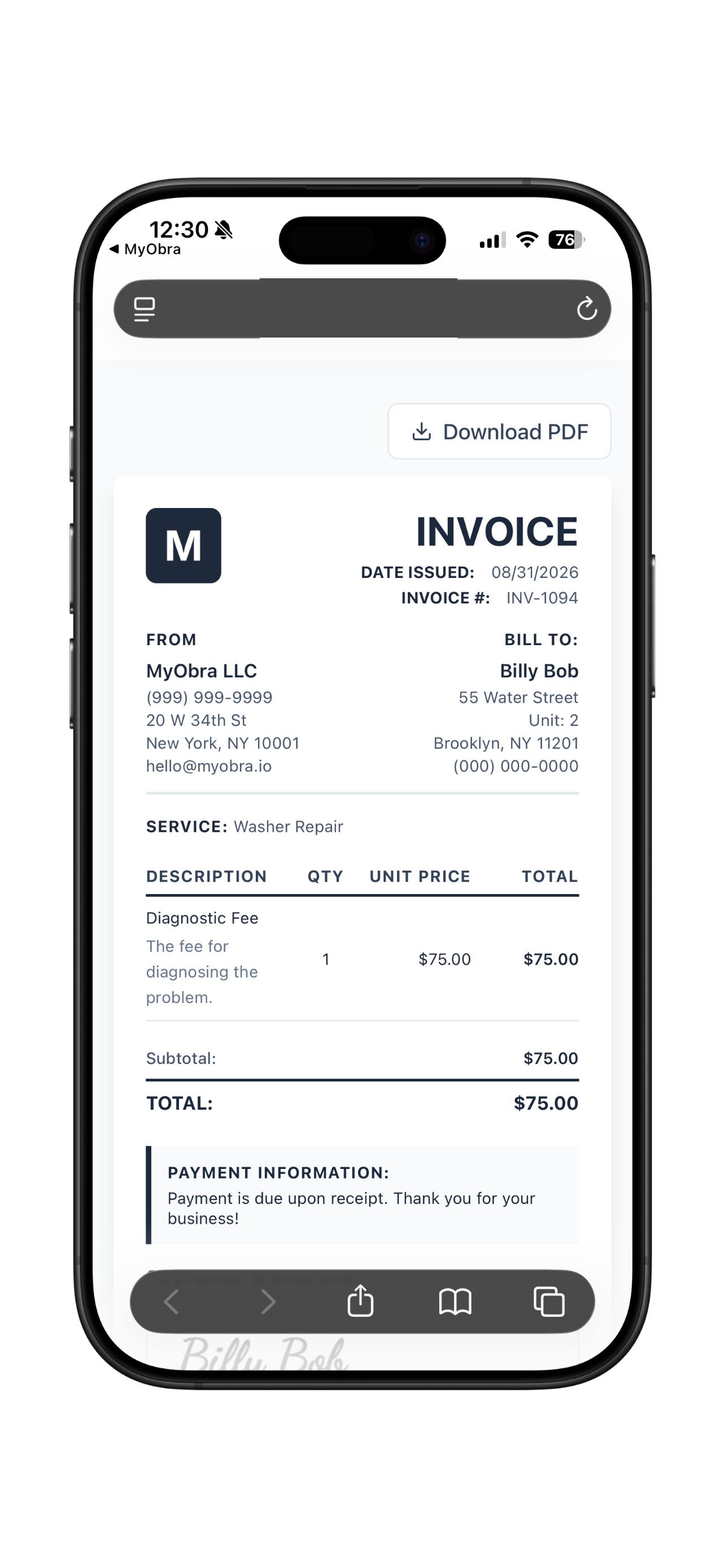
A clean, branded invoice your customer can sign on the spot, or download as a full PDF.
Phone on the job, desktop at home
Everything you log from your phone in the field is waiting on the big screen. Review invoices, plan the week, and catch up on paperwork from wherever's comfortable.
Notes, line items, and a running total sit on each job, so the invoice is basically done by the time you are.
Every unpaid invoice in one list, so you always know who to follow up with and how much is still outstanding.
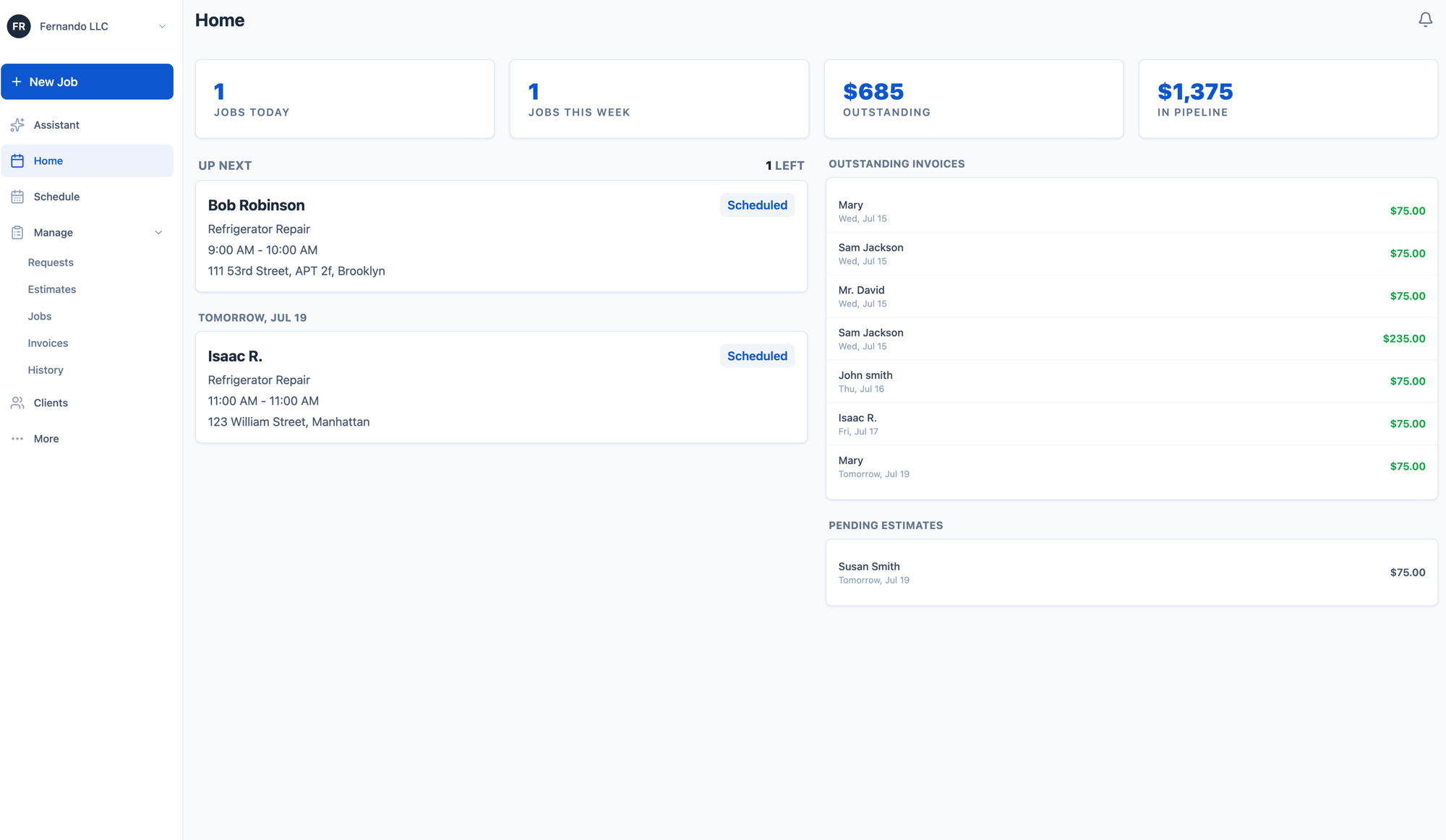
Plan the visit, document the work, send the invoice, and see what needs attention next.
Your built-in assistant
BetaCommand Center uses the jobs, customers, and invoices already in MyObra to answer questions and draft your next step in English or Spanish. Review it before anything is created or sent.
You always say go. Command Center never sends or creates anything on its own.
See how Command Center works →MyObra Intelligence
Ask about your jobs, invoices, and revenue, or run a quick action.
Create an invoice for John Doe for refrigerator repair, $75 diagnostic and $400 part installation.
Create an invoice for John Doe for refrigerator repair with these line items:
Confirmed· invoice for John Doe
Created invoice #1242 for John Doe, $475.
Assistant is scoped to running your business.
Everything you need to know about our home service app.
Field service management (FSM) software helps contractors manage their operations outside the office, job scheduling, invoicing, quoting, and customer management. Most FSM tools are built for large teams and come with enterprise pricing to match. MyObra is the lightweight option: a mobile-first app that gives independent contractors and small crews the core tools they need without the complexity.
Yes! MyObra is built specifically for owner-operators who handle all the admin work themselves. Whether you're a true solo act or have a small crew of 3 to 5 helpers in the field, MyObra gives you the essential tools to schedule jobs, send invoices, and run your entire business right from your phone without paying for bloated enterprise features you don't need.
Absolutely. MyObra acts as a mobile invoice generator. You can create a professional invoice, send it to your client via text or email, and collect their digital signature before you even leave the job site.
Yes! MyObra is fully bilingual. The entire app interface is available in Spanish, so Spanish-speaking contractors can navigate and run their business comfortably in their preferred language. Switch between English and Spanish anytime in your settings.
Yes. MyObra includes a built-in estimating tool that lets you build accurate quotes straight from the field. Once a customer approves, you can convert the estimate into a job or invoice in just a few taps.
MyObra works for any home service business including HVAC, plumbing, appliance repair, handyman services, house cleaning, lawn care, mobile detailing, and more. If you schedule jobs, send invoices, and work in the field, MyObra was built for you.
Both. MyObra keeps your jobs, customers, estimates, and invoices organized. Command Center, the built-in assistant now in beta, can answer questions about that work and draft actions for you to review. You approve before anything is created or sent.
Keep the job details together and the paperwork moving.
Book a demo to see MyObra in action.